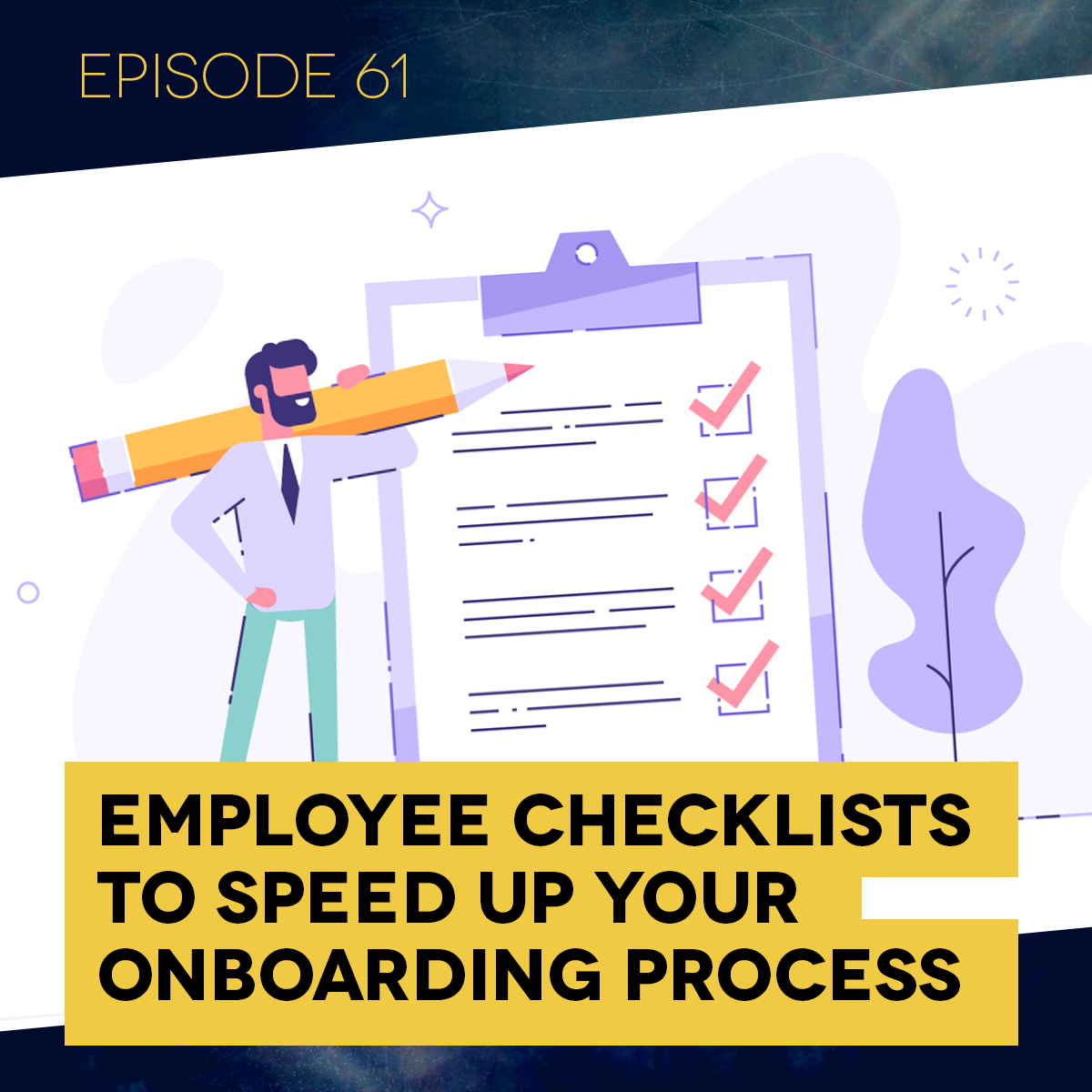
Having trouble getting new employees to be productive and do things the way you want them to? Struggling with high turnover? In this episode, Jeff discusses an extremely simple and effective solution. Creating these checklists for your practice and training new hires on them can make all the difference in onboarding and retaining good staff.
Links:
Sample Employee Checklists - https://www.mgeonline.com/sample-employee-checklists/
DDS Success - https://ddssuccess.com
Learn more about MGE - https://www.mgeonline.com
Listen to full episode :




Have a question for Jeff?
Fill out the form and he will get back to you.
Questions From This Episode
What's the real difference between an employee knowing what to do and actually understanding their job?
Understanding means grasping the significance and importance of a task, not just knowing the mechanics of how to do it. A new receptionist might know how to answer the phone, greet patients, and file charts, but without understanding which of those actually matters most in a given moment, they can't prioritize, and prioritizing correctly is what actually makes someone good at a job.
Why do checklists matter so much specifically in a dental practice?
Nearly every task in a dental office, filing a perio insurance claim, checking for a missing tooth clause, running back office maintenance, is made up of a lot of small individual steps, and missing just one of them can blow up the entire process. A checklist captures every one of those small steps so nothing gets missed, and it only takes real time to build once.
What are the two basic types of checklists worth having in a practice?
Simple task checklists for recurring processes like weekly or monthly equipment maintenance, and more dynamic, position-specific checklists that break down everything a given role does by time of day, covering opening tasks, ongoing responsibilities throughout the day, and closing tasks.
How granular should a genuinely well-built position checklist actually get?
Granular enough to break the day into specific time blocks, not just a flat list of duties. A sample financial coordinator checklist covers exactly what to do at 8:30, what to do between 9 and 9:30, what to do from 2 to 3, all the way through closing, so the person always knows not just what needs to get done, but when.
How does a checklist actually make an office manager's job easier once a new hire is using one?
It gives the manager a fast, objective way to check in on a newer employee, simply reviewing what's been initialed off that day instead of having to ask around or guess. If someone marks a task complete that wasn't actually done, that becomes an immediate, clear signal worth addressing directly, rather than something that quietly slips through unnoticed.
Episode Transcript
-
It may seem obvious, but have you ever really examined the specific reasons staff turnover is such a problem, beyond simply lowering morale as a business owner? It's frustrating not being able to fill a position, and you're dealing with all the lost productivity that comes with an unfilled seat. It also creates lost institutional knowledge, a lack of continuity, reduced team cohesiveness, and real cost in time and lost opportunity finding, hiring, and bringing a new employee up to speed and productive. That's the full package we're really looking at whenever we consider losing an employee.
Here's where it becomes genuinely dangerous: when you have someone you probably should let go, and because you don't want to deal with that pain, you end up making things harder on yourself by keeping a non-productive employee around instead. Either way, you want to do everything you can to minimize turnover, and any tool that makes that process easier and less costly for you and the practice is a real win.
I want to talk about one of these tools in this week's episode: employee checklists. My name is Jeff Blumberg, and I'm your host. What I'm covering this week is an extremely simple, easy to create and use tool, but like a lot of simple things, it can be genuinely powerful. If you're an office bringing on a lot of new people, or you've had any real turnover, even just one employee, this is a vital piece for keeping your office running the way you expect it to.
Here's how I'll walk through this: first, the theory behind why you need these and how you build them, then some real examples with downloads for you, and finally the different types of checklists worth using in your practice and how to actually use them.
When you bring on a new person, assuming they're a genuinely good candidate for your office, productive and a good fit, they need more than just knowing how to do something and what to do. I need to know how to schedule patients, or specifically how to schedule a root canal and where. But beyond how to do it and what to do, a person also has to know when to do it, and be able to prioritize what's more important in a given moment.
I use a bit of a silly example in our seminars to explain this. Say you're an observer walking into a dental practice, and you see a receptionist at the front desk with three patients waiting to talk to her. The phone is ringing, and this office still uses paper charts, so she's over filing charts, working her way alphabetically through the C's. The phone keeps ringing, patients are waiting, and she's still filing.
What would you think of this person? When I ask that in a seminar, most people say something like, they're not very bright. That's a little unkind, but I understand the instinct. Here's what's actually happening: all three of these things, greeting patients at the front, answering the phone, filing charts, are genuinely part of her job. But she can't differentiate between them or figure out which one matters most right now.
So what should actually happen first? Handle the people at the front. Second, the phone. Third, file the charts whenever there's actually time. Of course, that seems obvious once you say it out loud. That's what it comes down to: priorities. If you looked at this person's actual job description, all three of these tasks might genuinely be listed on it. The problem isn't that she doesn't know these are her responsibilities, it's that she can't tell what's more important than what else in the moment.
What that really comes down to is that she doesn't understand her job. I want to give you a specific definition of understand. If you look it up, a couple of definitions stand out. The first is to perceive the meaning of, to grasp the idea of or comprehend, fair enough. But the one I really like, the one that applies here, is to grasp the significance, implications, or importance of something. If I truly understand something, I know what it means, I know its significance, I know what happens if I don't do it, and I know its relative importance compared to everything else.
Let me give you another example specific to training. Say you're training a new receptionist on exactly how to answer the phone: thank you for calling ABC Dental, my name is Jeff, how can I help you? That's the script you want them to say. The phone rings, they pick it up, and initially they might just say something like, dental office, and you step in and handle it yourself. Eventually they get it down: thank you for calling ABC Dental, my name is Jeff, how can I help you? You've role-played it with them until they have it cold.
Then one day they pick up and say, hi, thank you for calling ABC Dental, my name is Jeff, how can I help you? Is that catastrophic? In my opinion, no. They went slightly off script, sure, and maybe someone out there would insist hello is more formal and should be preserved exactly, but what actually matters is that they told the caller where they've reached, gave their own name, and let the caller know they're there to help. Whether they said hello or hi isn't the part that actually matters. Being able to identify what's important within a task, and what isn't, is exactly the skill at play here.
This is one of the real challenges with any new job, and it's especially true in dental positions, both up front and in the back office, because there are so many small details involved in nearly everything. I hesitate to call it minutiae, since that can make it sound unimportant, and I don't mean it that way, but there are countless small steps built into everyday tasks in a dental practice. They're easy to miss, and missing even one small step can turn into a genuinely large problem.
This is exactly where checklists become so valuable. Think for a second about everything involved in filing a periodontal insurance claim: you likely need perio charting, a full mouth x-ray of some kind, and a handful of other specific pieces of documentation. Or filing a claim to replace a missing tooth, where you need to know whether that plan has a missing tooth clause. There are countless small details like this, even in routine back office maintenance. Miss just one of these small things, and it can blow up the entire process.
So you've got a new person, you're training them on how to do things and what to do, and then they also have to know when to do it, on top of all these small details. That combination can leave people feeling genuinely scattered. Without any real process or procedure in place, especially for newer employees, it's going to take a long time to get them fully up and running.
And here's the thing worth remembering: people generally don't want to do a bad job. There may be occasional exceptions, but those aren't the employees you want anyway. For the most part, people want to succeed and do what's actually being asked of them. If someone comes in and can't seem to succeed, and it's taking too long to get there, they're eventually going to get frustrated and start wondering whether this job is really for them.
So between the challenge of knowing when to do something and prioritizing correctly, and the sheer number of small details built into nearly every task in a dental practice, that's exactly where checklists become genuinely helpful, for newer employees and long-tenured ones alike. A checklist captures everything that has to be done and gives someone a way to actually confirm they've done it, so nothing gets forgotten.
There are different types of checklists worth having. You could have simple ones, a maintenance checklist for instance. Say you have certain tasks done weekly, others monthly, others quarterly, covering maintenance happening in the back of the office. You'd want a checklist for that, maybe posted on the wall with a dry erase marker, or wherever makes sense, so your assistants run through it on the appropriate schedule. It takes real time to put together initially, but that's time you only have to spend once. You can build checklists for all kinds of recurring processes in the office this way, how to clean the lab, and so on.
Beyond that, I'm a big fan of more dynamic checklists tied specifically to individual job roles. Say I'm the schedule coordinator, and you've built out a list of everything I'm supposed to do daily, weekly, monthly, however you want to break it down. If it's just a flat list, here are the fifteen things I have to do every day, some of them repetitive, schedule patients, make sure there are no openings tomorrow, and so on, it doesn't necessarily help me prioritize what to actually do first.
You can take this a meaningful step further, and I have a sample for you here, taken from our online platform, DDS Success, specifically for the reception position. As I've mentioned in prior episodes, we generally advise dividing labor at the front desk, one person as receptionist, another as scheduler. In a smaller practice, that might be the same person, but as the practice grows, those functions tend to split, the same way a financial coordinator might initially help you with treatment coordination too, verifying benefits and filing insurance while also sitting in on larger cases to help work out financial arrangements. As the office gets busier, you'll likely need to split those into two separate roles.
So in a smaller office, one person might be answering the phone and scheduling every patient, even though those are genuinely two separate functions, reception and scheduling. What I have here is from our receptionist training course on DDS Success, specifically covering the reception function, broken down by time of day. I won't read through the whole checklist here, but there's a sample available to download on the episode webpage. It includes an opening checklist covering things that might sound almost too basic to write down: turn on the lights, tidy up the front office, turn on the copy machine.
You might wonder why you'd ever need to spell out something like tidying the front office. But think honestly about your own career, has someone ever failed to do something you'd asked of them before? If you say no, you're probably not being entirely honest, that happens to everyone. Whereas if it's written on a checklist, especially for someone new to the practice, and they have to actually check it off, that gap tends to close.
The checklist includes things like ensuring the restroom is neat and supplied, un-forwarding the phones and checking overnight voicemail messages, turning on the computers and printer, and so on, all specific things they're responsible for. This makes sure none of these small details get missed, since missing them is exactly what tends to create real problems later. This particular reception checklist breaks down into opening tasks, ongoing tasks throughout the day, and closing tasks. It won't list something repetitive like answer the phone over and over, but it will note that greeting patients and answering the phone are ongoing responsibilities they're checking in on throughout the day, alongside the other specific items on the list.
If you want to get more detailed with this, take a role like financial coordinator. Think about everything that position actually covers: verifying benefits, filing insurance, following up on claims, working out financial arrangements with patients, often checking patients out at the end of their visit. There are a lot of small pieces involved. I have a sample checklist for this role too, available to download on the episode webpage, a financial coordinator daily checklist, along with a companion set of monthly duties, since a financial coordinator has daily, weekly, and monthly responsibilities, sending out statements, posting finance charges, and more.
This particular sample is built for an office open Monday through Thursday, with an administrative day on Friday, broken down specifically by time. In the example, Monday and Tuesday run as longer days, Thursday is shorter, Wednesday even shorter still, and Friday is a half day, you'd obviously adjust this to match your own practice's actual schedule. On a typical Monday or Tuesday, the day starts at 8:30: get their computer running, tidy their workspace, handle any last minute benefit determinations, and review their monthly checklist for anything due that day. Between 1 and 2, they're noting the day's cancellations and how they affect that day's lineup. They meet with the office manager to go over the daily lineup and what needs to be collected that day, then attend the 8:45 morning production meeting.
From there it continues in specific intervals: from 9 to 9:30, calling insurance companies about benefits they weren't able to reach the previous day. From 2 to 3, calling on claims that have aged 15 days. Every piece is broken down this specifically. You might look at something like this and think it's a lot of work to put together, and it is, but the entire point is that everything this person is responsible for on any given day is right there in front of them. Assuming you've already taught them how to do each task, this tells them exactly when. And interestingly, the longer someone actually follows a well-built checklist like this, the more they naturally start understanding why certain things happen at certain times. There's also a Friday section and a monthly section built into the same document, all included in the downloadable sample.
The real value here is that it gets you to a point where nothing falls through the cracks, and it makes life considerably easier for an office manager too. With checklists in place for every position, especially with a newer employee, I can simply walk up front and check their checklist directly. Because here's the deal: if you tell me you did something and you've initialed it on your checklist, that means it's done. If it isn't actually done and you initialed it anyway, that tells me you've told me something that isn't true, which is a more serious problem entirely, possibly a sign that this isn't the right fit for the practice. But either way, this gives everyone total clarity on what they're supposed to do and when, along with a simple way to actually track it, which makes each person's job easier by consolidating all these small responsibilities into one place they can monitor, and it makes managing the practice considerably easier too, especially during a growth phase or after a stretch of turnover.
So my suggestion is to start using these. I've given you a couple of real samples for individual positions, and you can build one for any area of your practice that's given you trouble, weekly maintenance that never seems to happen consistently, for instance. Build a checklist for it, run your team through it, and it starts to bring real regularity and organization to the practice, making your life meaningfully easier.
This was a shorter episode this week, I wanted to cover this specific tool without dragging it out unnecessarily, but I wanted to make sure you had the actual substance of it. I hope it helps. If you have any questions about MGE, you can find us at mgeonline.com or call us at (800) 640-1140. Don't forget, you can download these sample checklists directly from the episode webpage, and we'll see you at next week's episode.